SSP / Sharing an Incident
Procedure
In the Self-Service Portal (SSP), registrants can share their incident tickets with other UZH members:
- Open the «My Requests» tile in the SSP.
- Select the desired incident ticket.
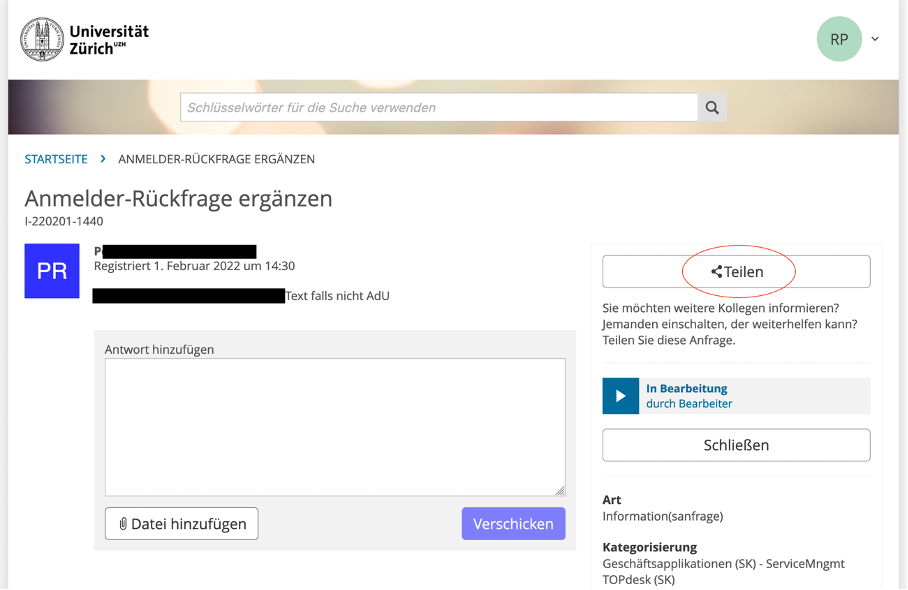
- Click on «Share» to add additional people.
Shared incidents are visible to all linked persons in the SSP and can also be edited.
Note: Sharing is currently not possible for changes.
-
- Zoom
- Self-service portal (SSP) with open incident and «Share» button.