Save Data
You can log on to your account within a web browser with your former account (…@...onmicrosoft.com) at https://portal.office.com/ and download your data. If you experience problems signing in, please try a private/incognito/InPrivate browser window.
There is a separate page on how to save OneNote notebooks: OneNote - Download Online Notebooks
Download SharePoint / OneDrive Data
- Log in at https://portal.office.com/
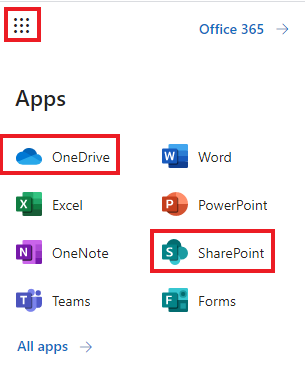
- Open SharePoint/OneDrive
-
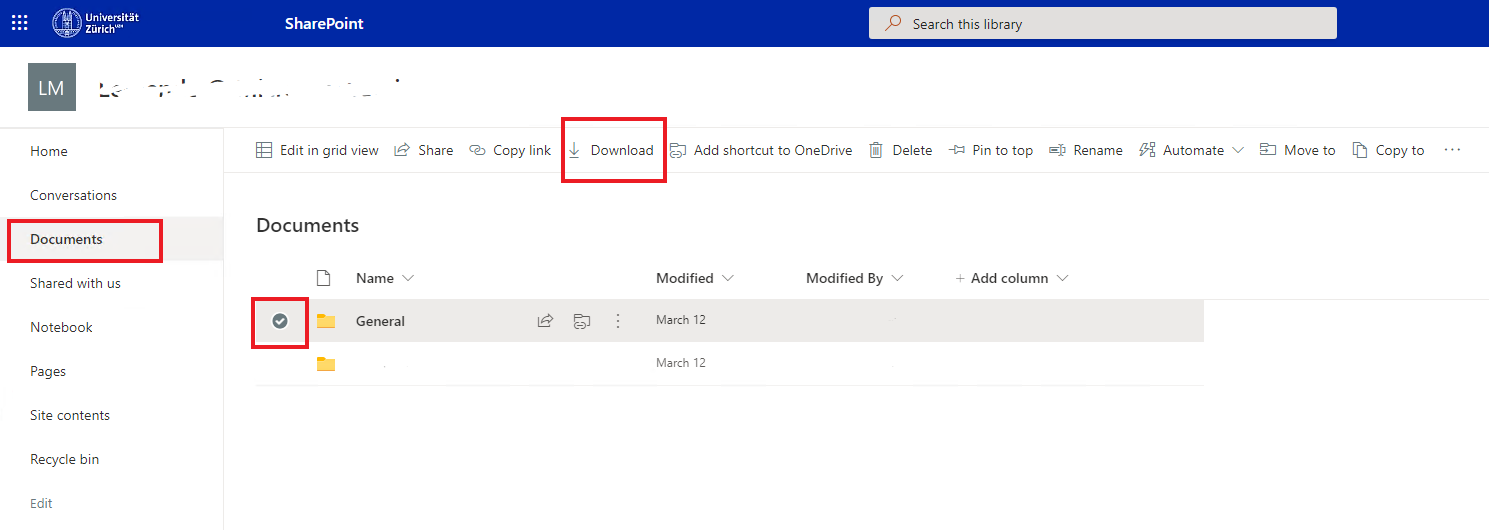
- Select folders and files you want to download
-
- Download your selection.

You can download your data using the OneDrive App as well.