UZH Print Plus - Copy
You can copy documents using the «Copy» function in the main menu.
Identify yourself at the multifunction device by placing your UZH card on the card reader.
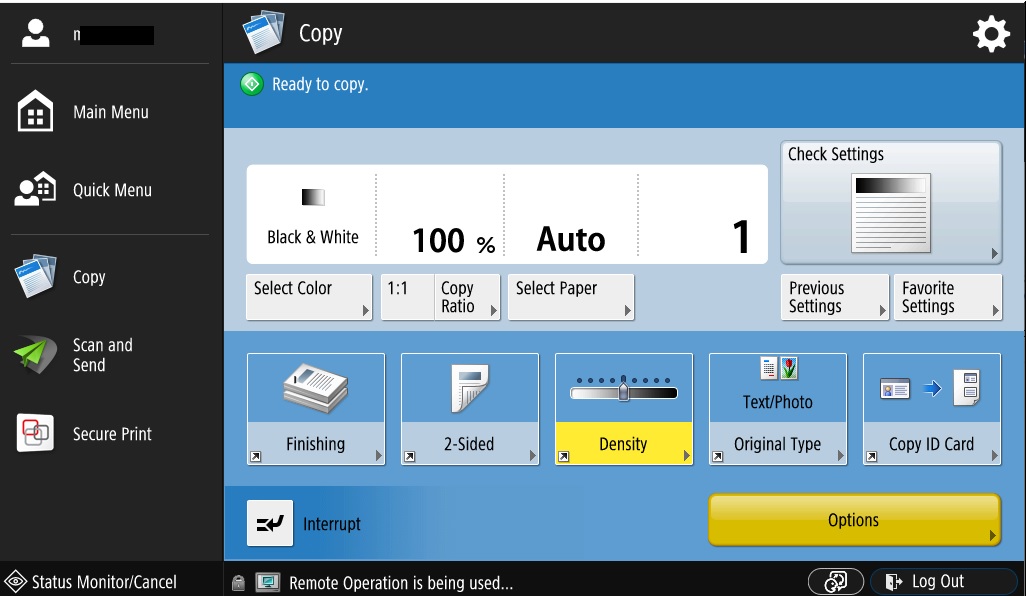
How to proceed
- Place the document to be copied in the feeder or on the document glass.
- If necessary: Adjust the copy settings on the display.
- Start copying by pressing the «Start» button.